Save Lives.
Pregnancy Centers
Our team at And Then There Were None is so excited for the opportunity to work with your center. We are seeing more and more current and former abortion clinic workers turn to their local pregnancy centers and prolife medical centers for counsel and care.
We recognize that this may be new territory for you and your center. You may have never had an abortion industry worker walk through your doors.
Our hope is that they will! And we want to be sure that you are equipped to handle such a situation if it does arise.
We put together a list of reminders to help you for when that time comes:
Pregnancy Center
Printable Resources
Download + Print Instructions
1) Download the file
- Click the item you want (Flyer, Sign, Drop Card, Rack Card).
- When the file opens:
- If it opens in a new tab, click the download icon (or File → Download).
- Save it to your computer (Desktop or Downloads).
2) Print settings by item type
Flyers / Letters (8.5" x 11")
- Paper: Letter (8.5" x 11")
- Scale: 100% / Actual size (do not “Fit to page” if it shrinks the design)
- Color: Color
- Print one test copy first to confirm margins and readability.
Drop Cards (2" x 3.5")
- Best option: send the file to a local print shop (or online printer) and request:
- Size: 2" x 3.5"
- Paper: 14pt cardstock (or similar)
- Finish: Matte (recommended to reduce glare)
- If printing in-house (only if the file is set up for it):
- Use cardstock
- Print at 100% / Actual size
- Cut with a paper trimmer for clean edges.
Rack Cards (3.75" x 8.28")
- Recommend using a print shop:
- Size: 3.75" x 8.28"
- Paper: 14pt cardstock (or similar)
- Finish: Matte
- Print at 100% / Actual size to keep the QR code and layout correct.
Yard / Large Signs (18" x 24", 24" x 18", 24" x 36")
- These should be printed at a print shop as large-format posters/signs.
- Important settings to request:
- Size: match the listed size exactly (for example 24" x 36")
- Scale: 100%
- If it’s for outdoor use, ask for coroplast (yard sign material) and stakes.
- If it’s for indoor use, a poster print is fine.
- If the sign includes a QR code, ask them not to resize the artwork.
3) For “front + back” cards
For items like All My Options Drop Card (Front) and (Back):
- Download both files (Front and Back).
- At the print shop, request double-sided printing and confirm:
- Correct orientation (flip on the long edge vs short edge so the back is not upside down)
- Print one proof first.
4) Quick troubleshooting
- If anything prints blurry, make sure you downloaded the actual file (not a preview) and use a print shop for best quality.
- If the QR code is hard to scan, do not scale down the design. Reprint at 100%.
- If colors look off, switch to “Best/High Quality” print mode, or use a print shop.
If you have any problems downloading our printables, please email info@prolove.com and request the file you are looking for! We are happy to help.
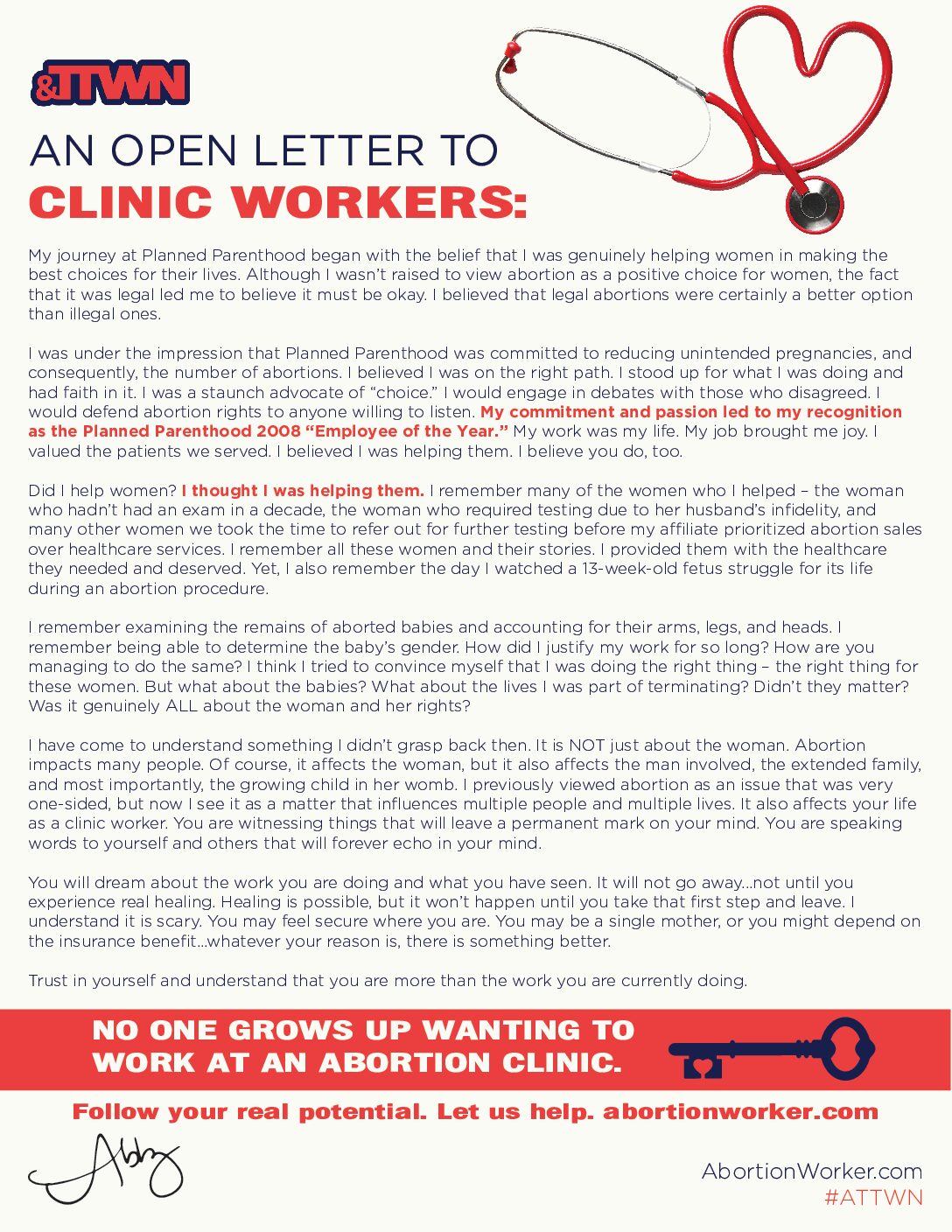
Letter from Abby, 8.5" x 11" Paper
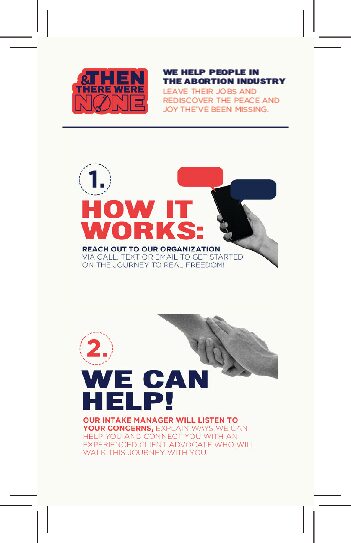
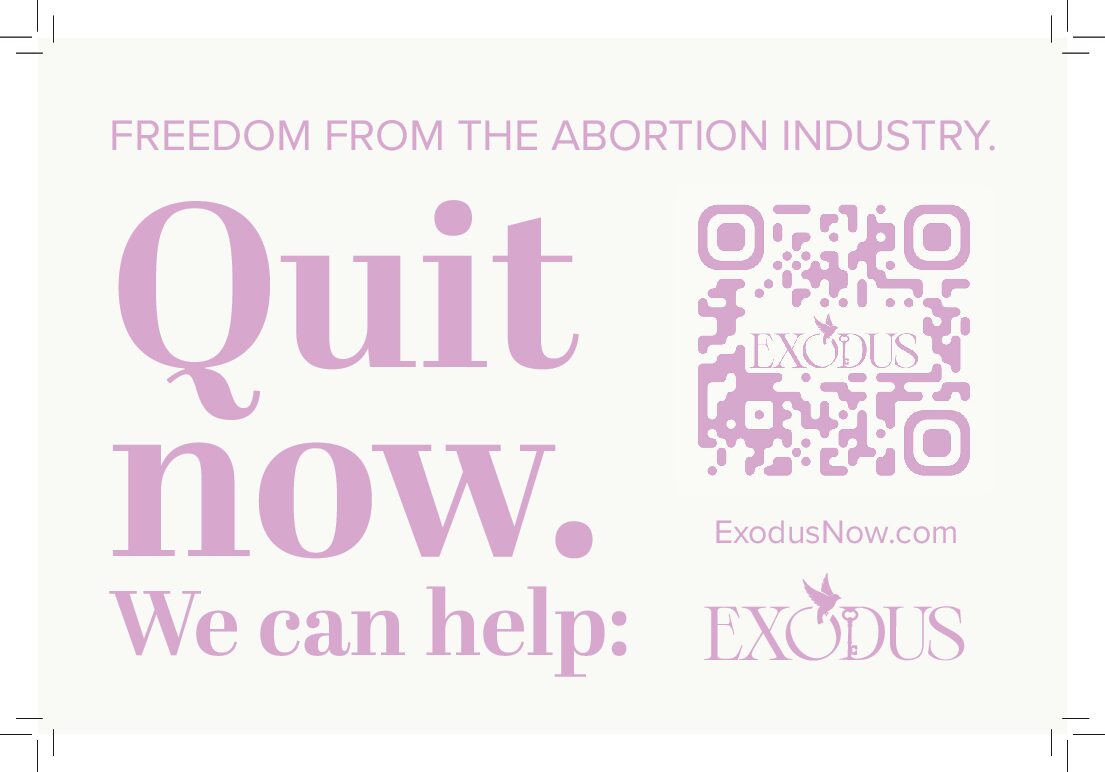
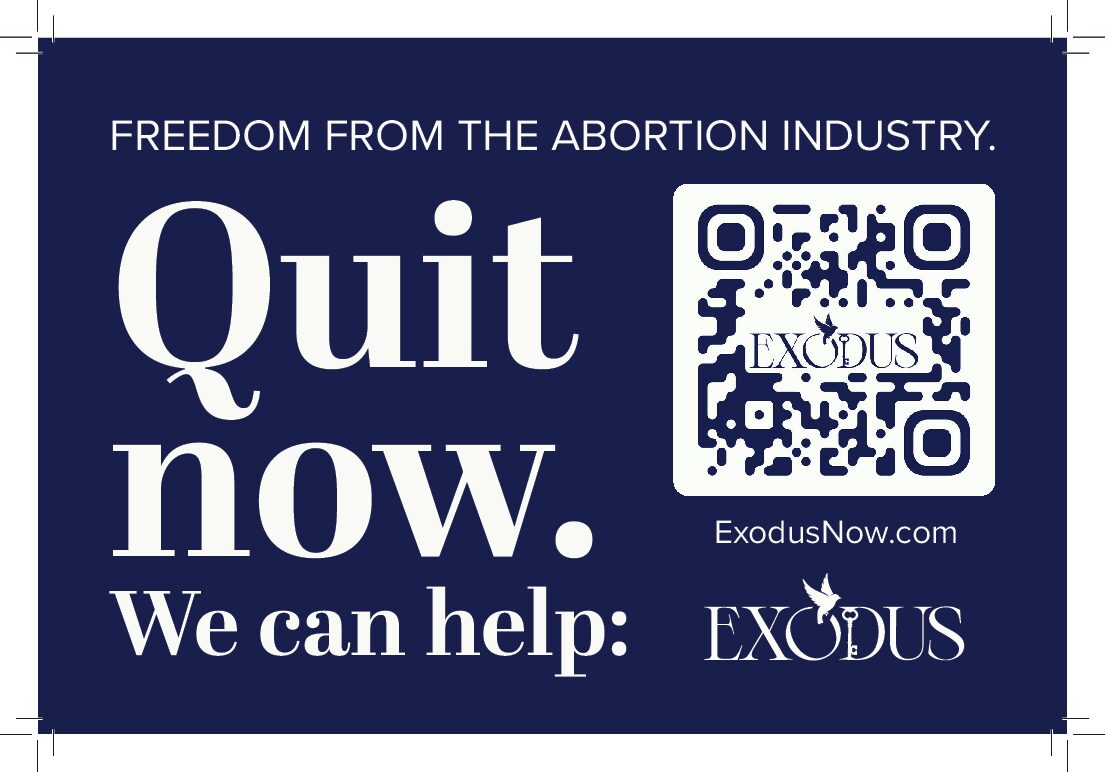
ATTWN Drop Card, 2" x 3.5"
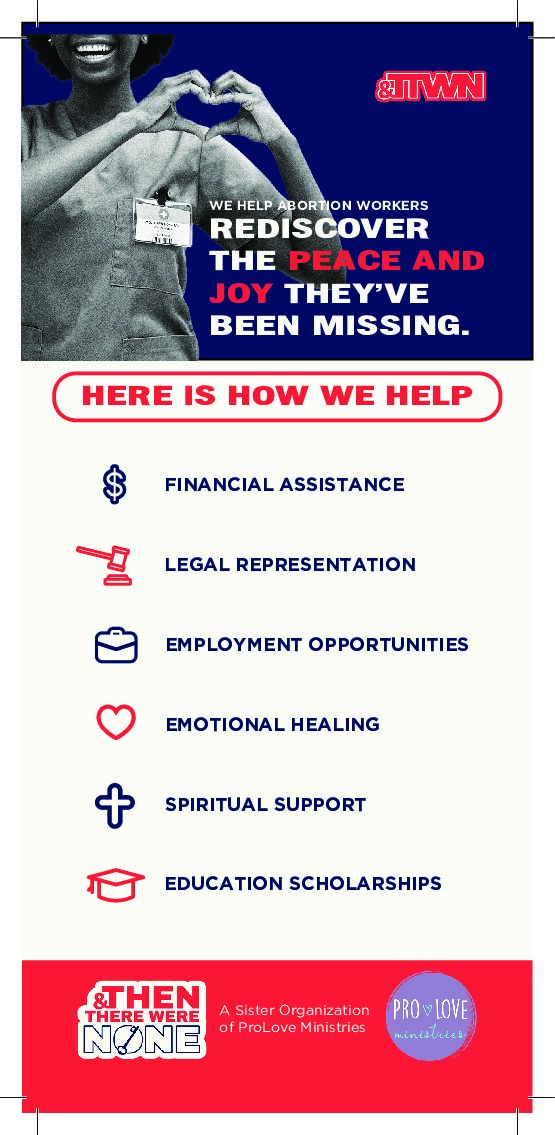
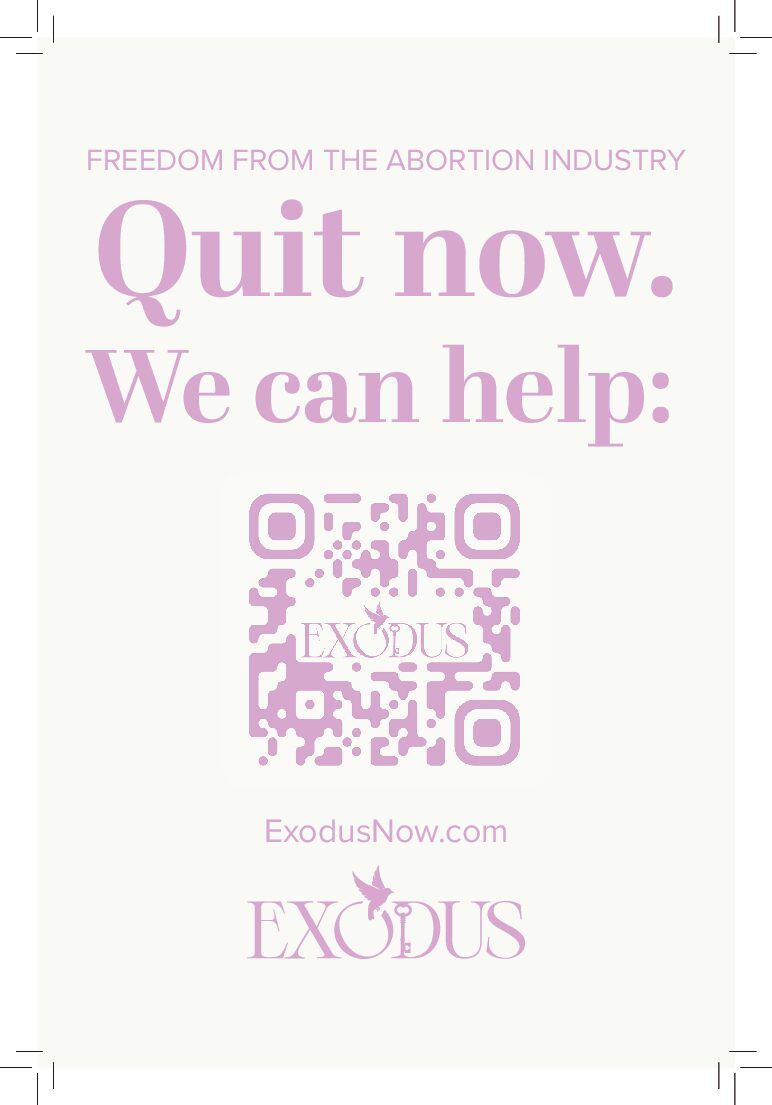
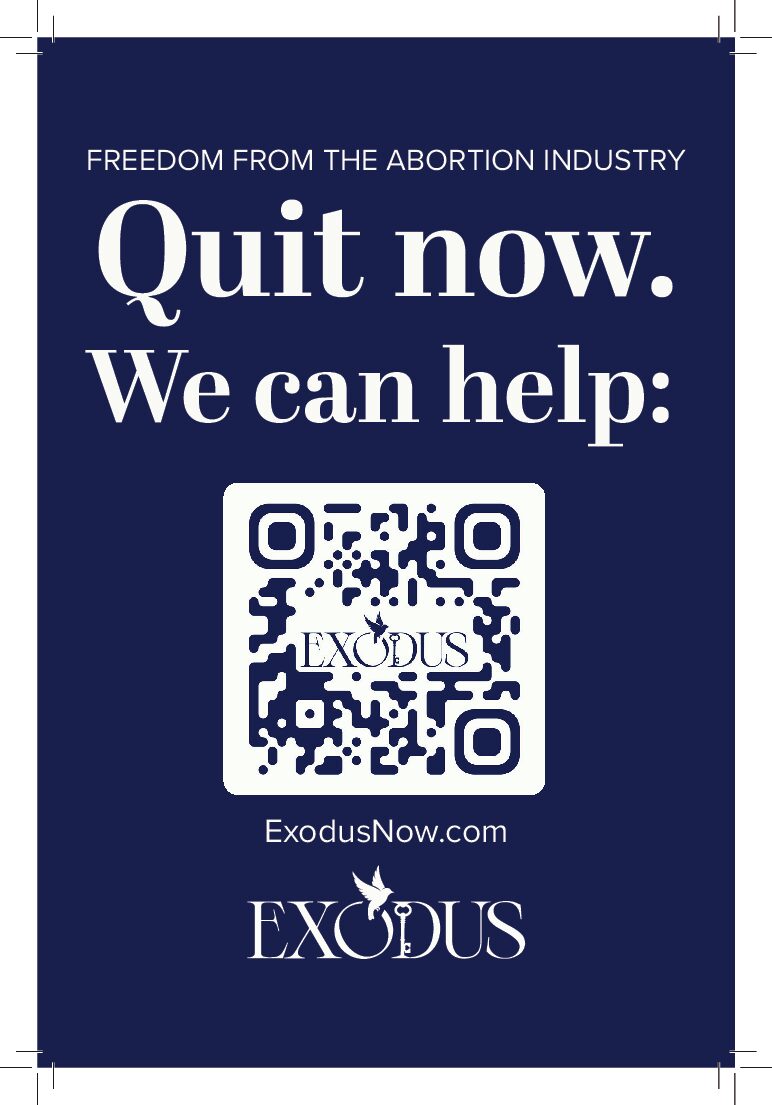
ATTWN Rack Card, 3.75″ x 8.28″
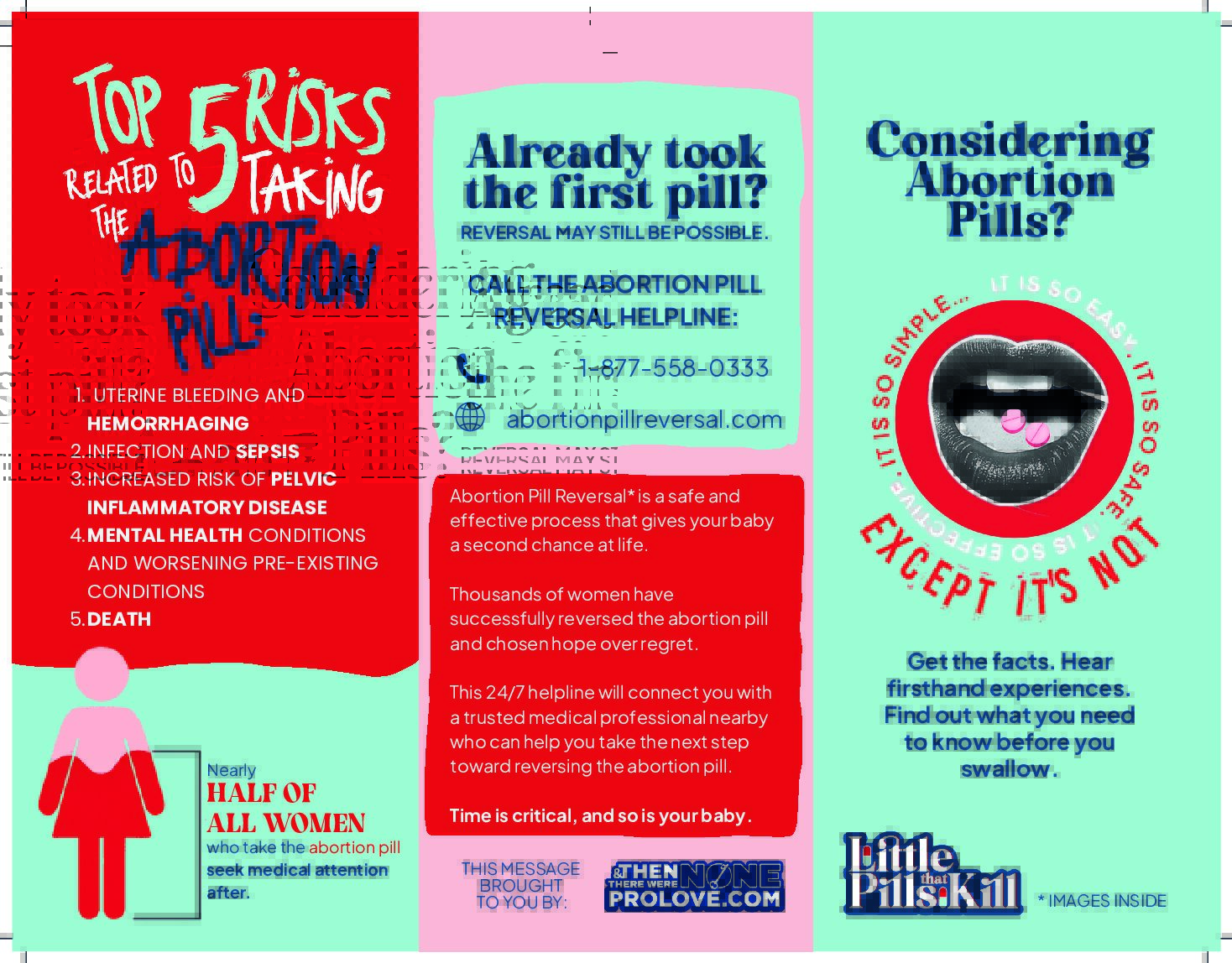
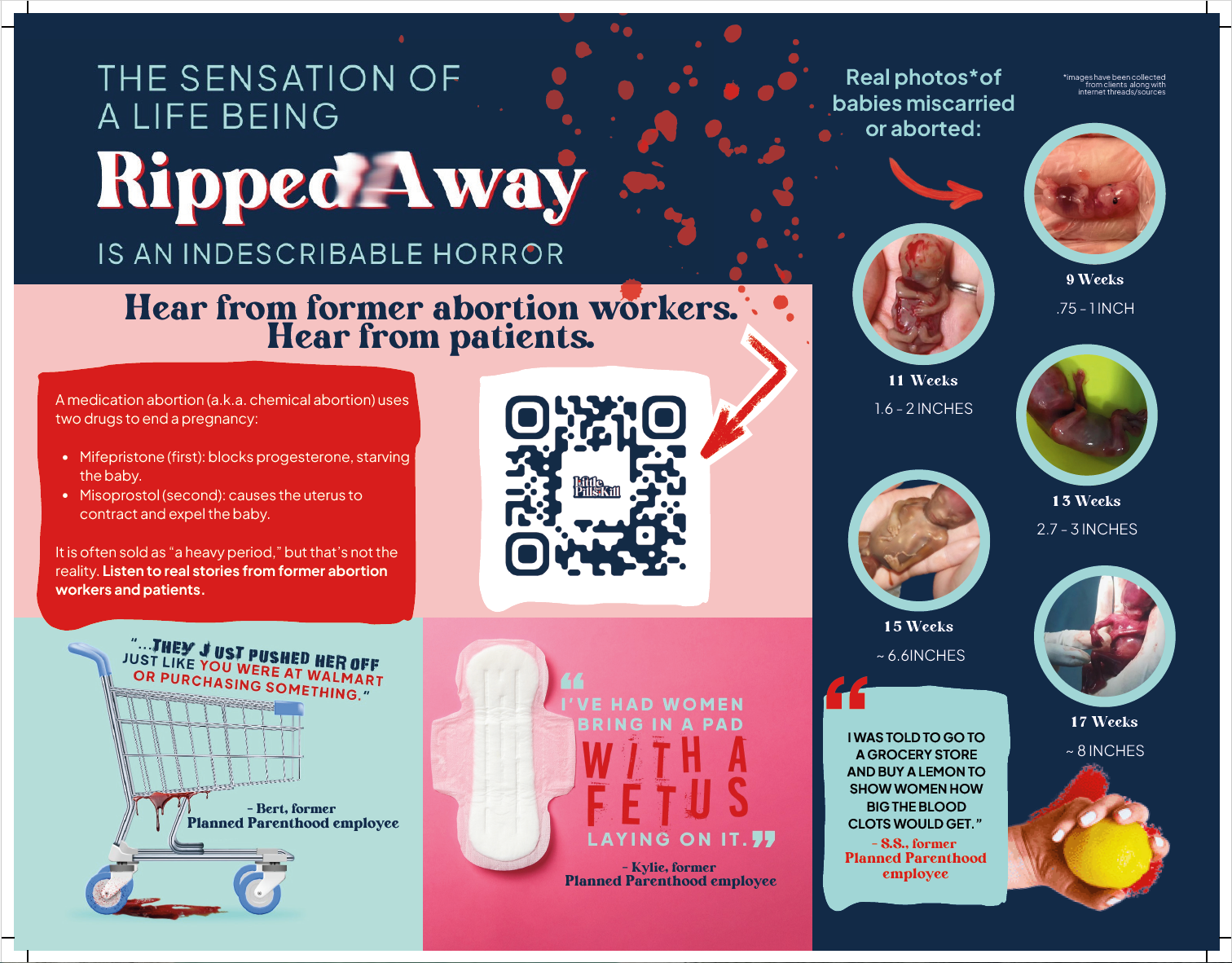
Little Pills That Kill Trifold Brochure, 11" x 8.5", folded
You Can Quit | All My Options
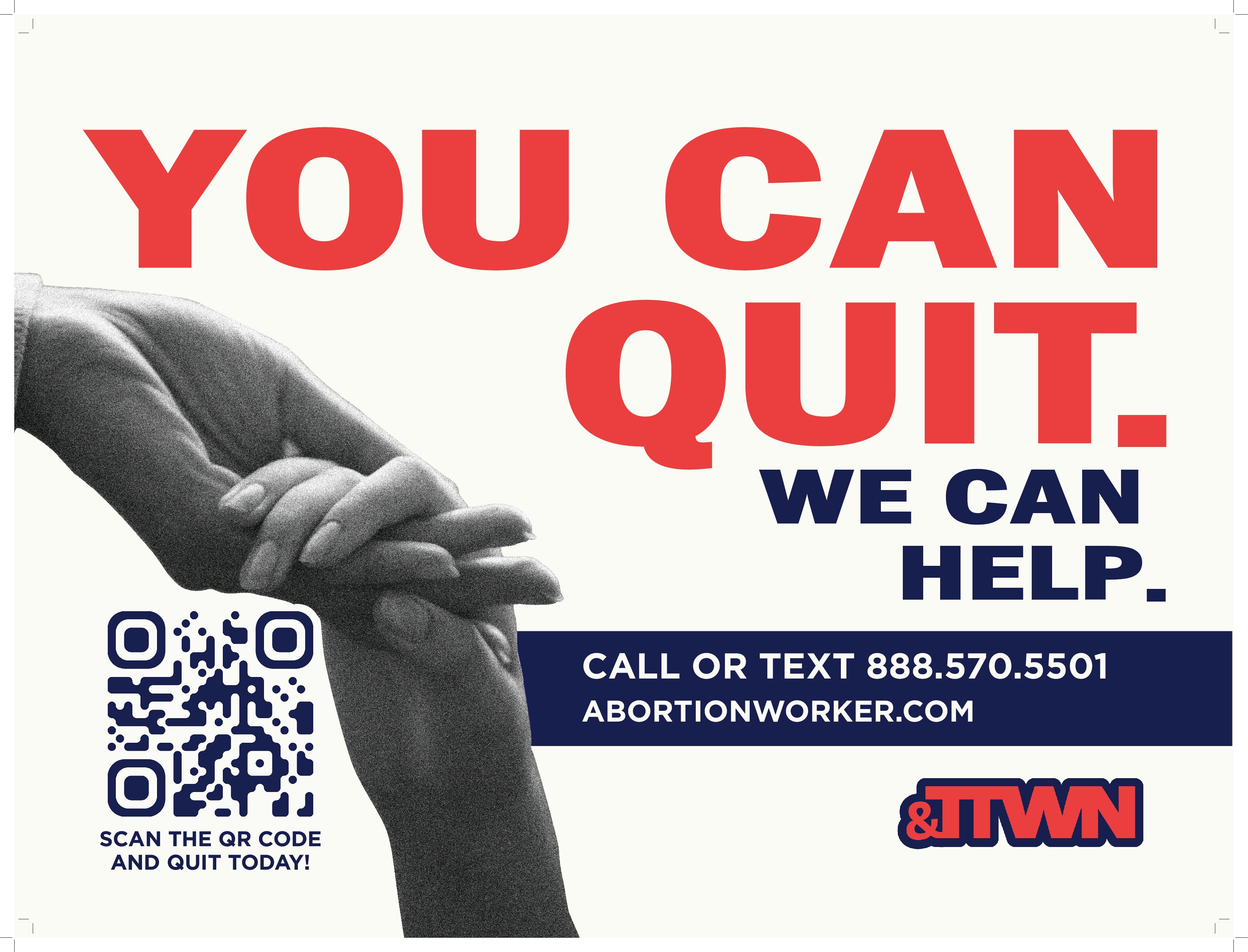
24" x 18" Sign
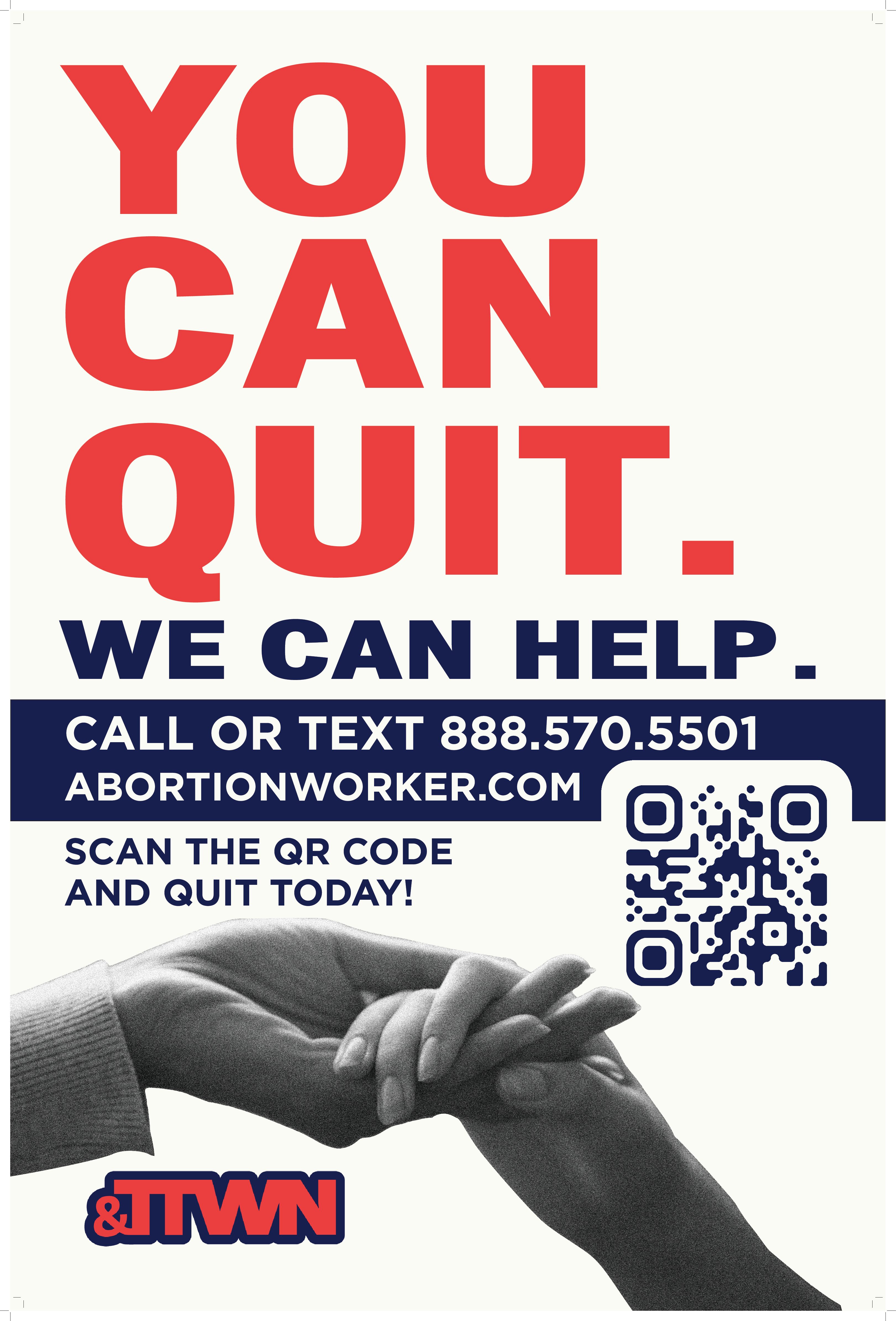
24" x 36" Sign
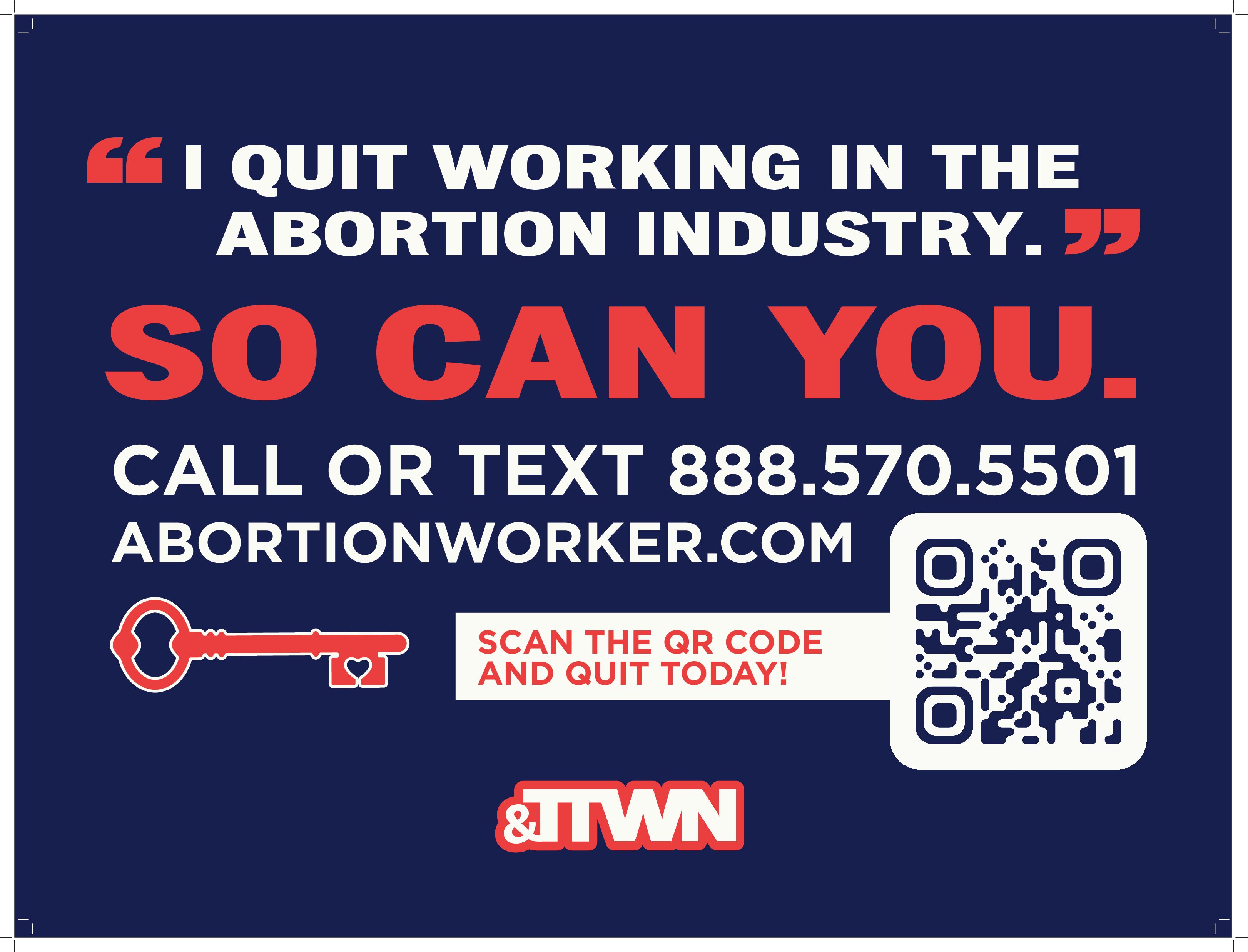
24" x 18" Sign
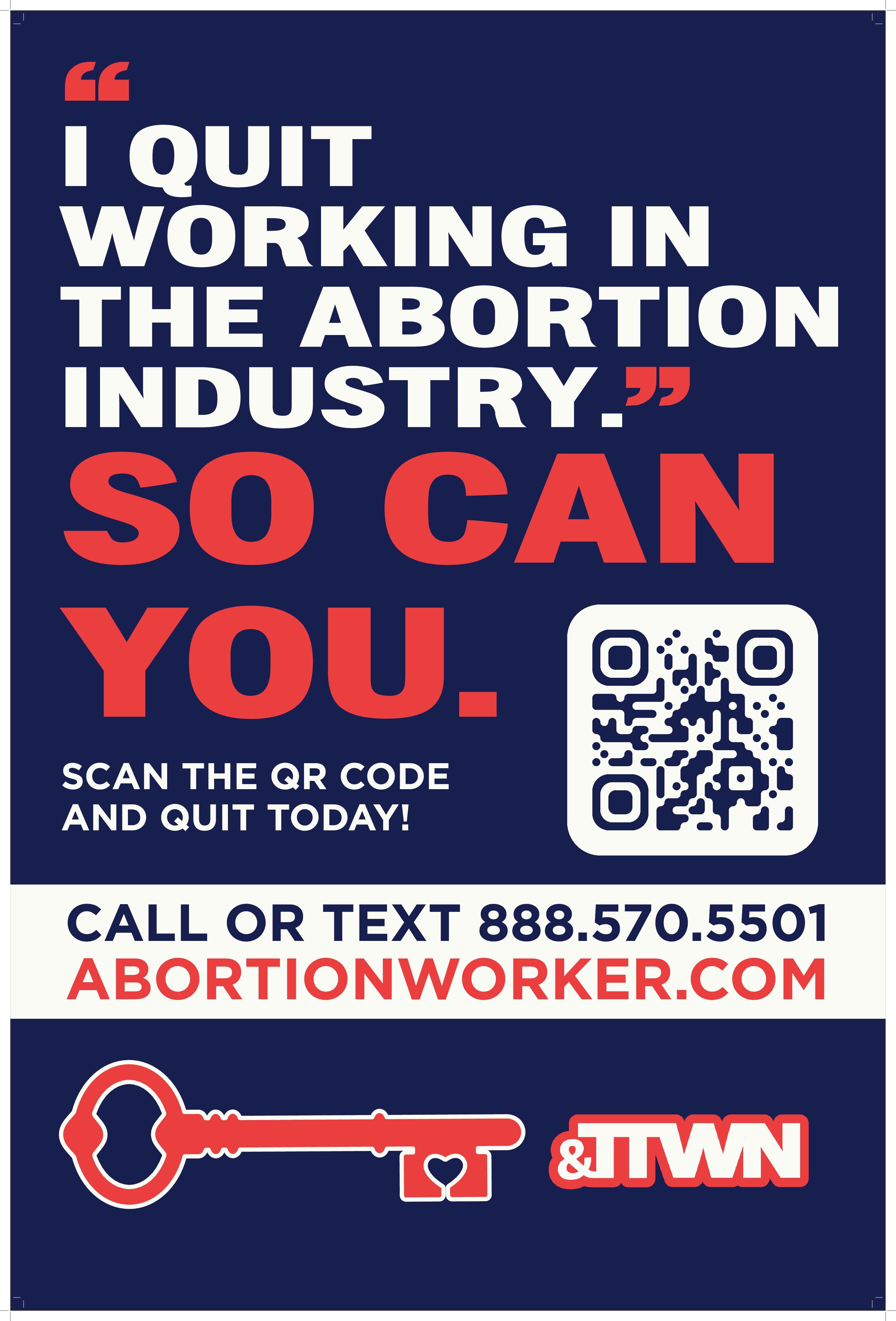
24" x 36" Sign
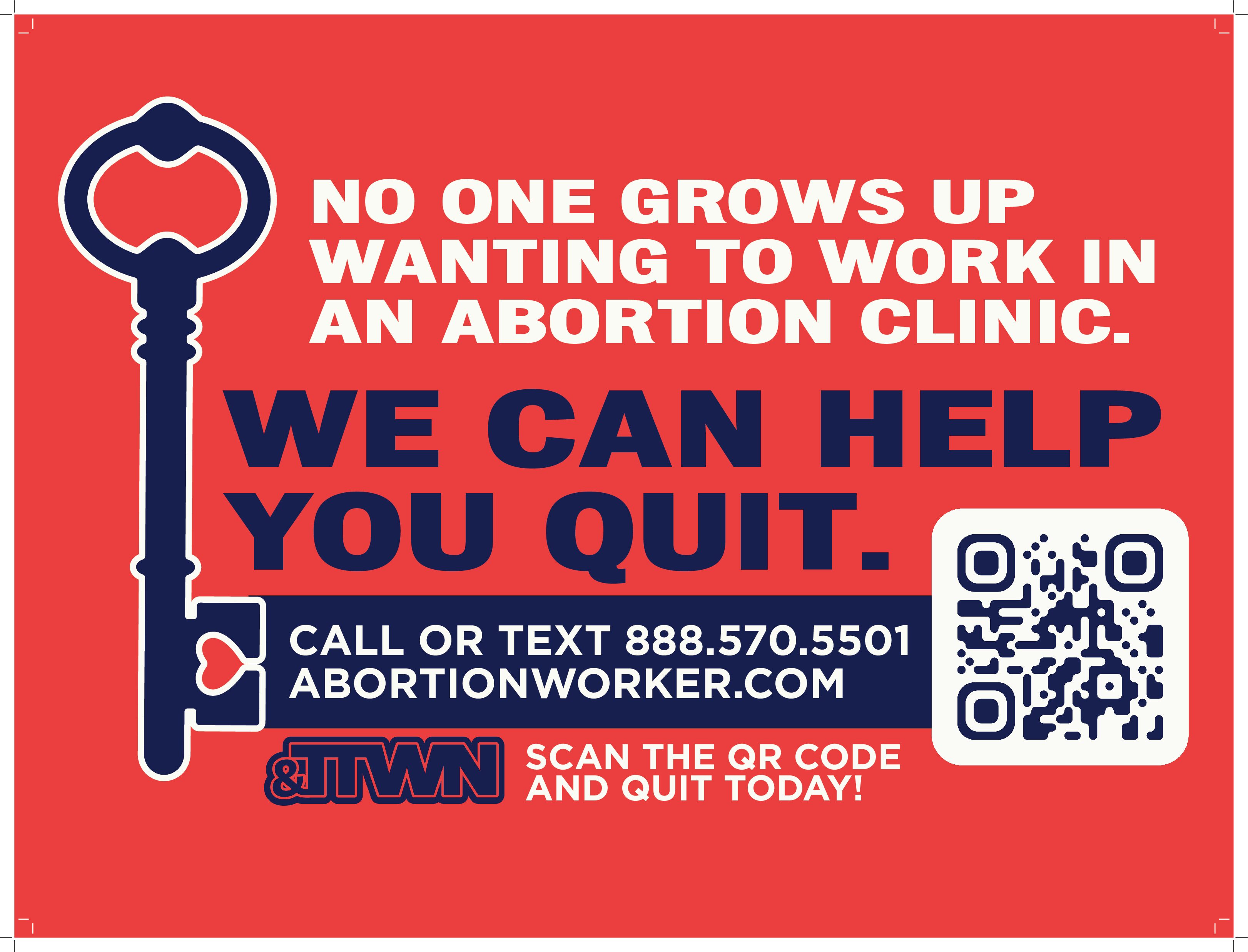
24" x 18" Sign
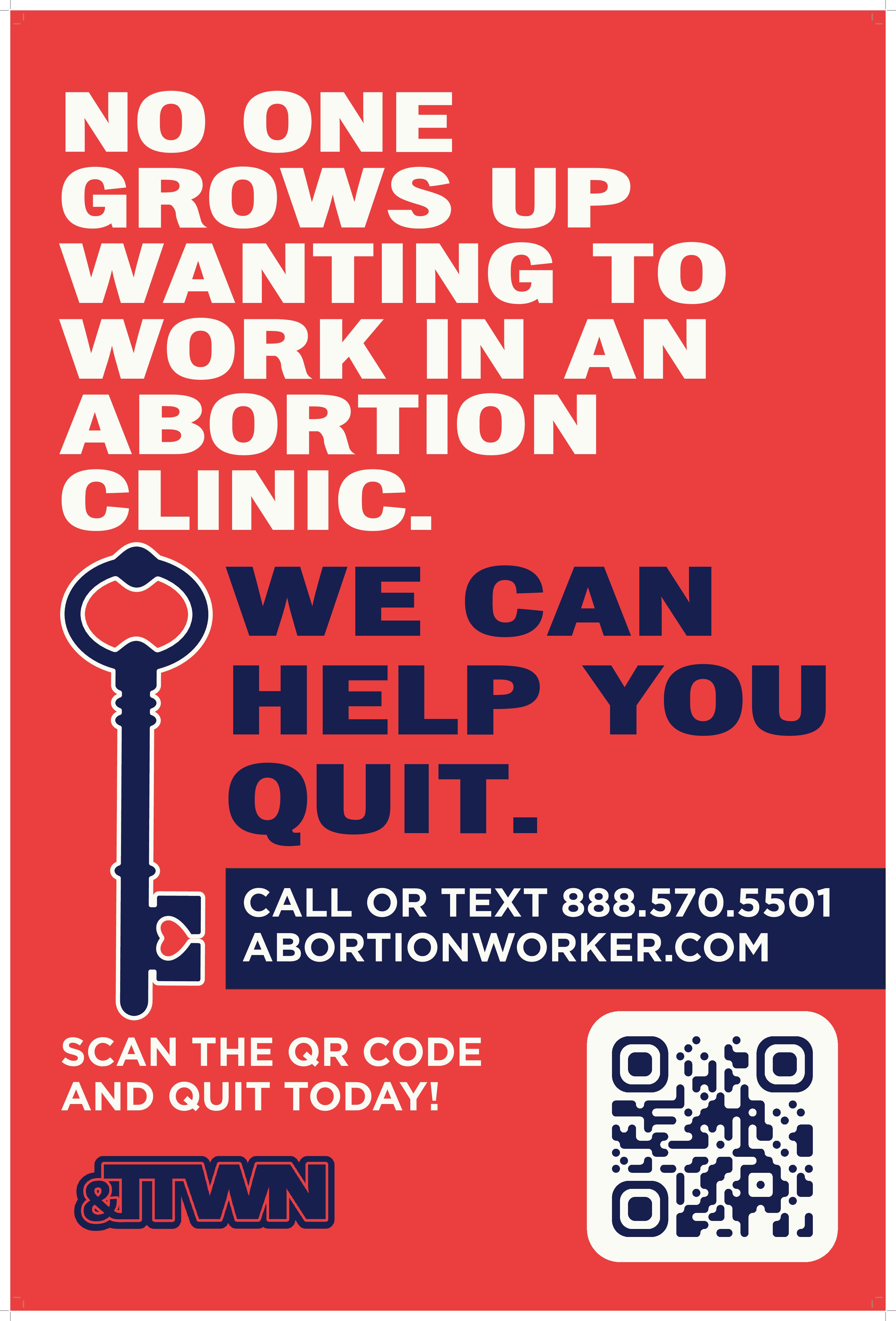
24" x 36" Sign
All My Options Drop Card (Front), 2" x 3.5"

4' x 6' Banner
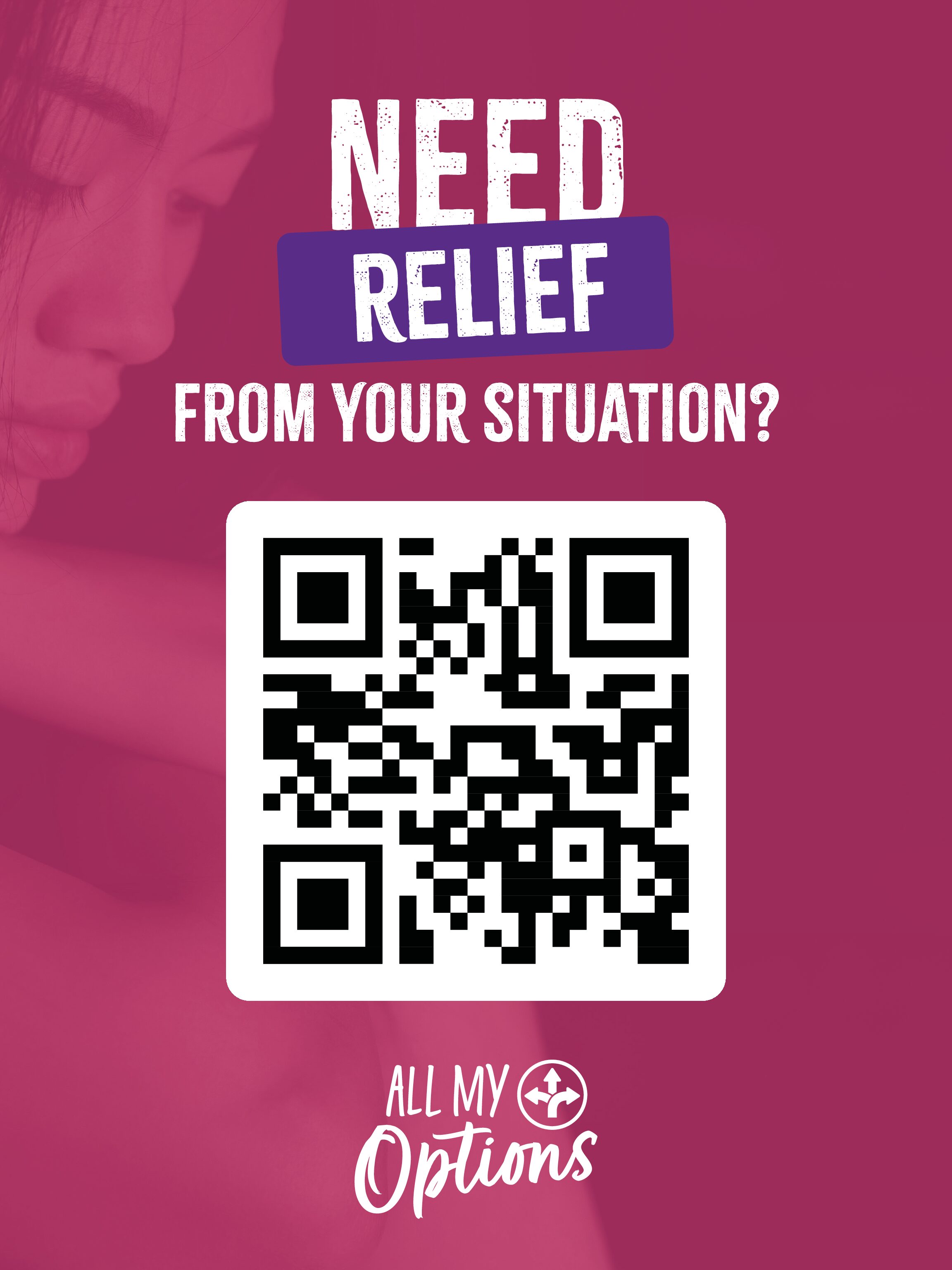
18" x 24" Sign
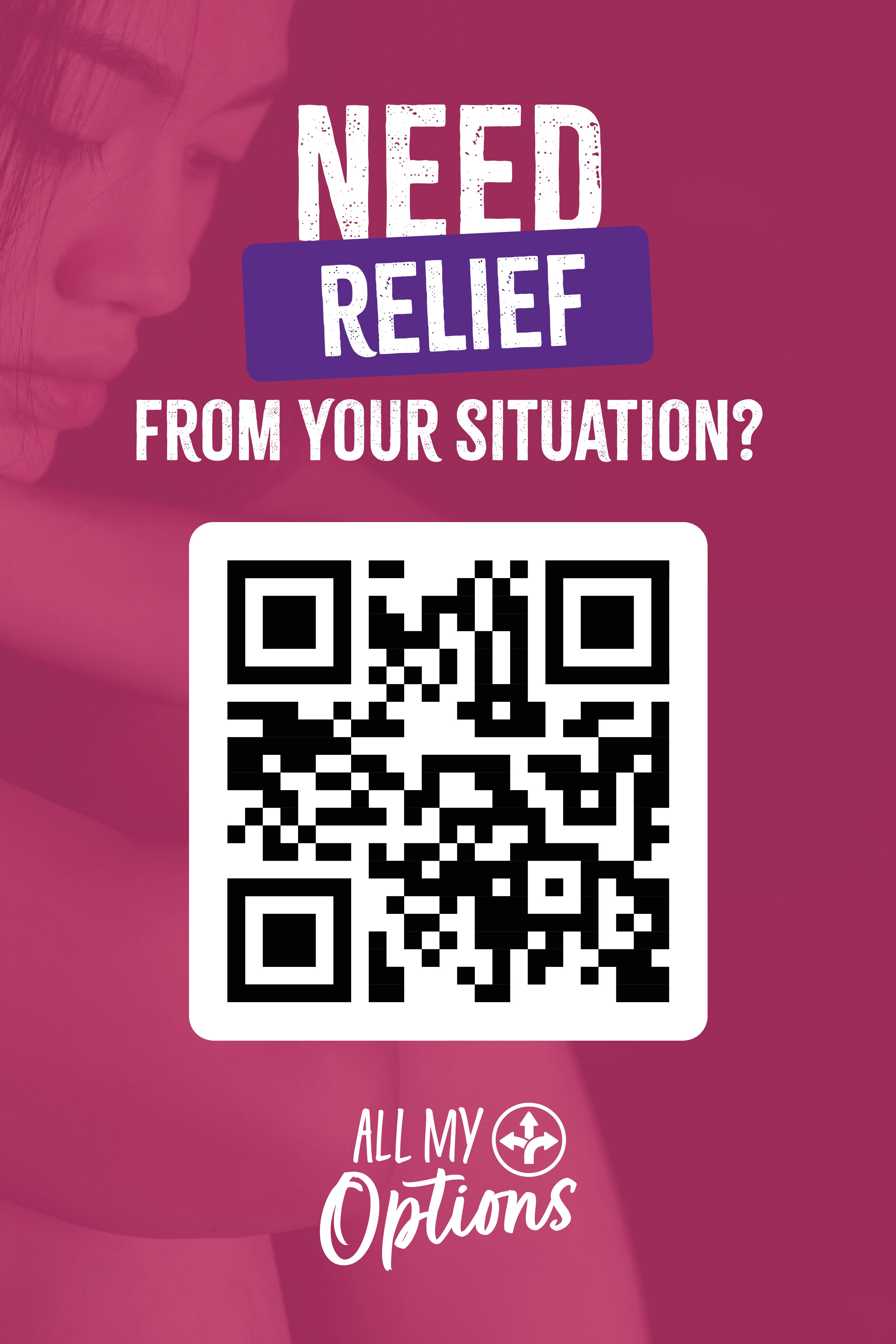
24" x 36" Sign
All My Options Drop Card (Back)
with QR code
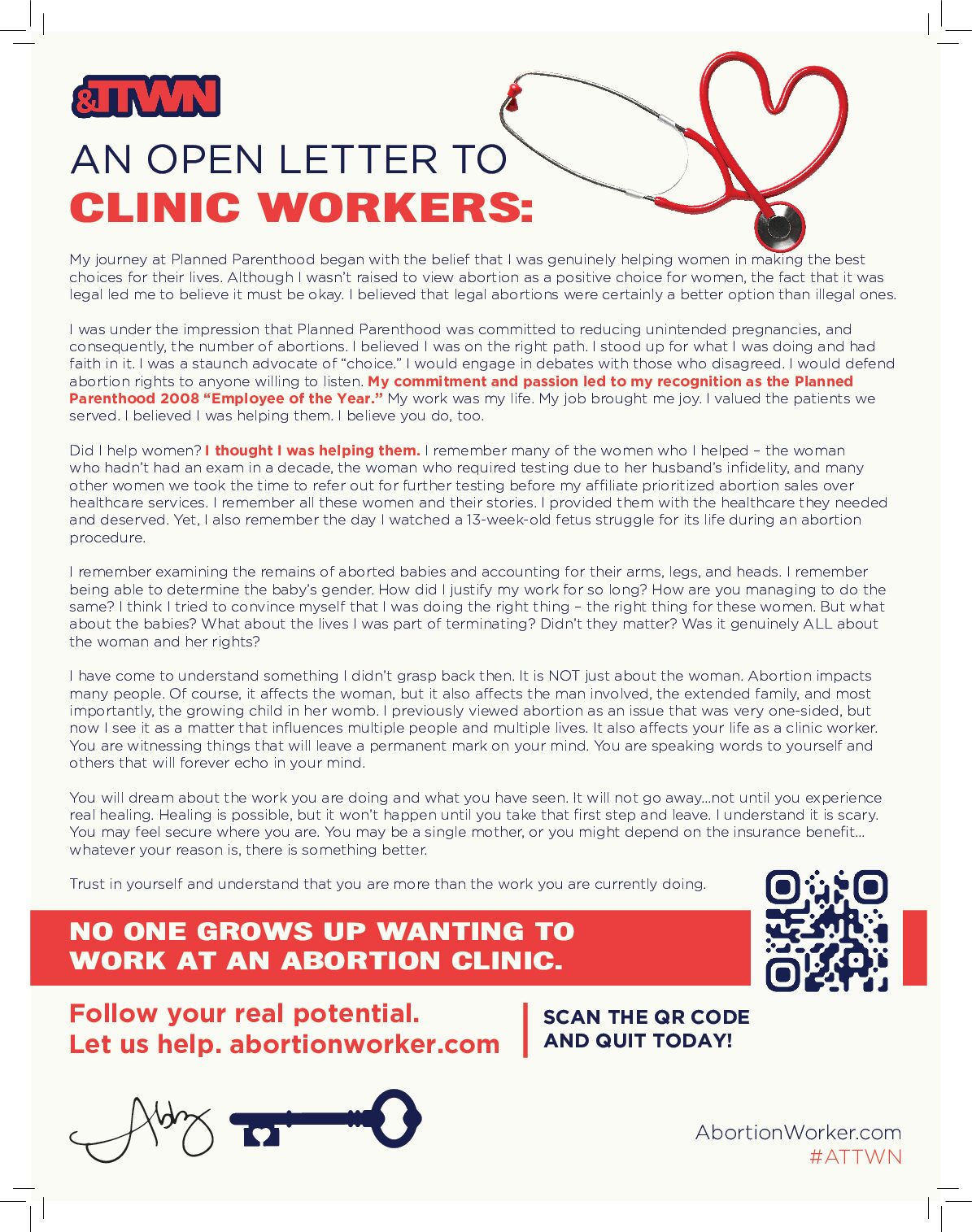
Letter from Abby, 8.5" x 11" Paper
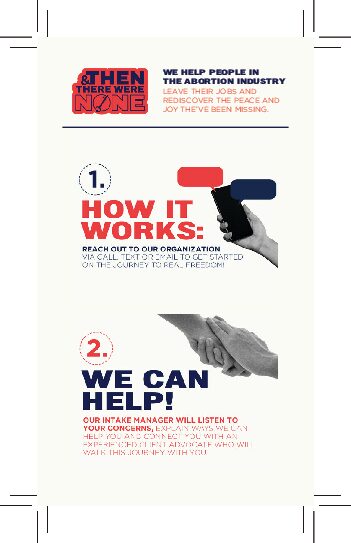
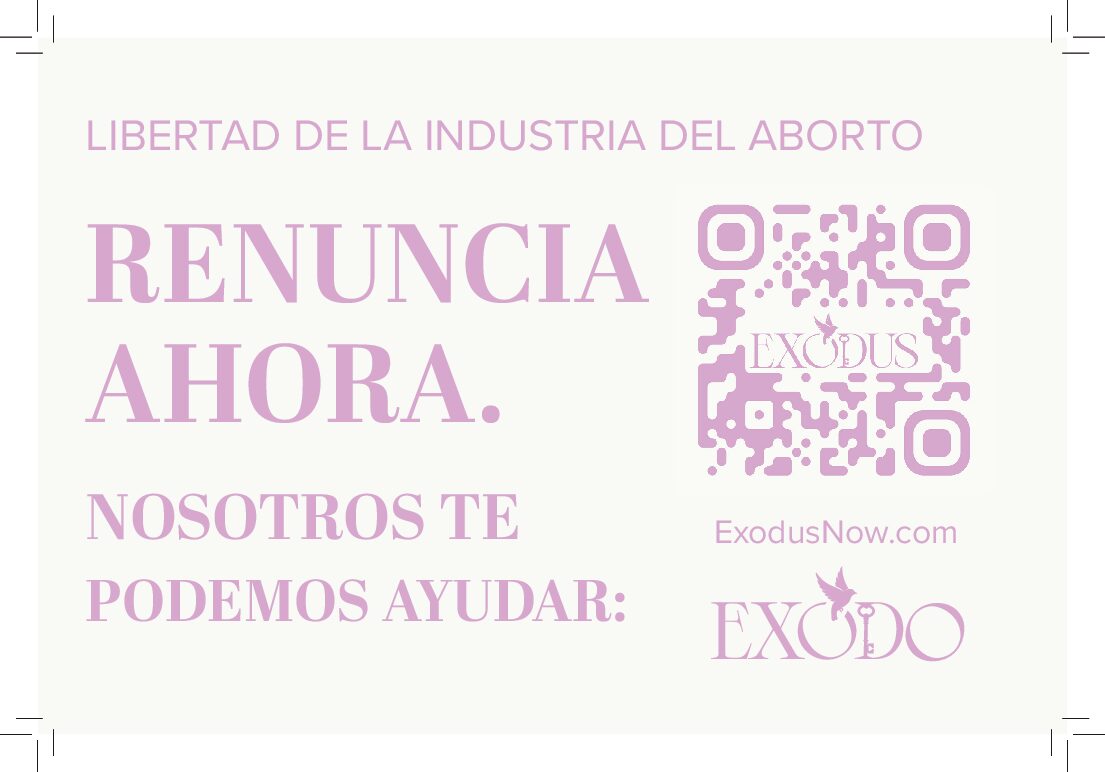
ATTWN Drop Card with QR code on Back 2" x 3.5"
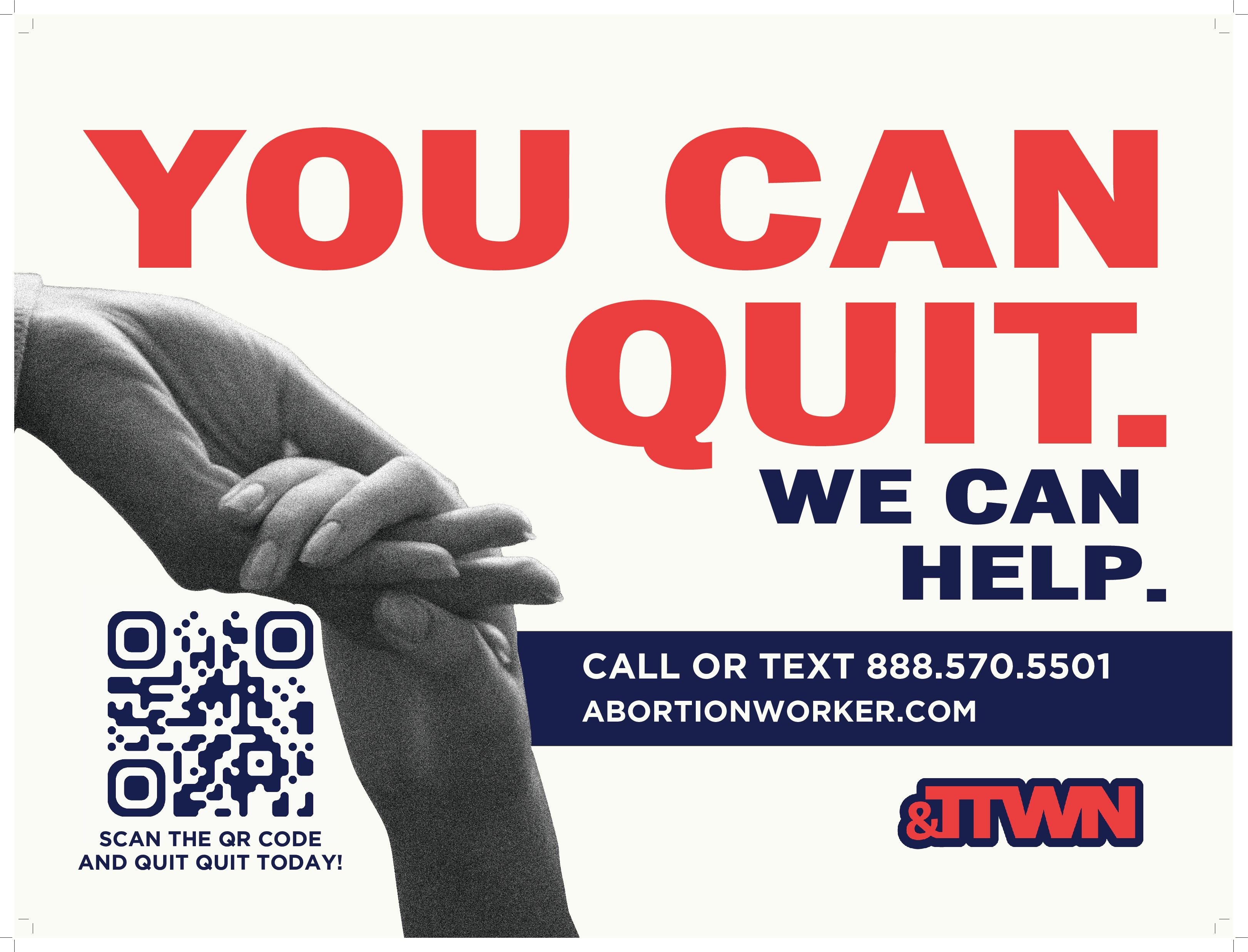
24" x 18" Sign
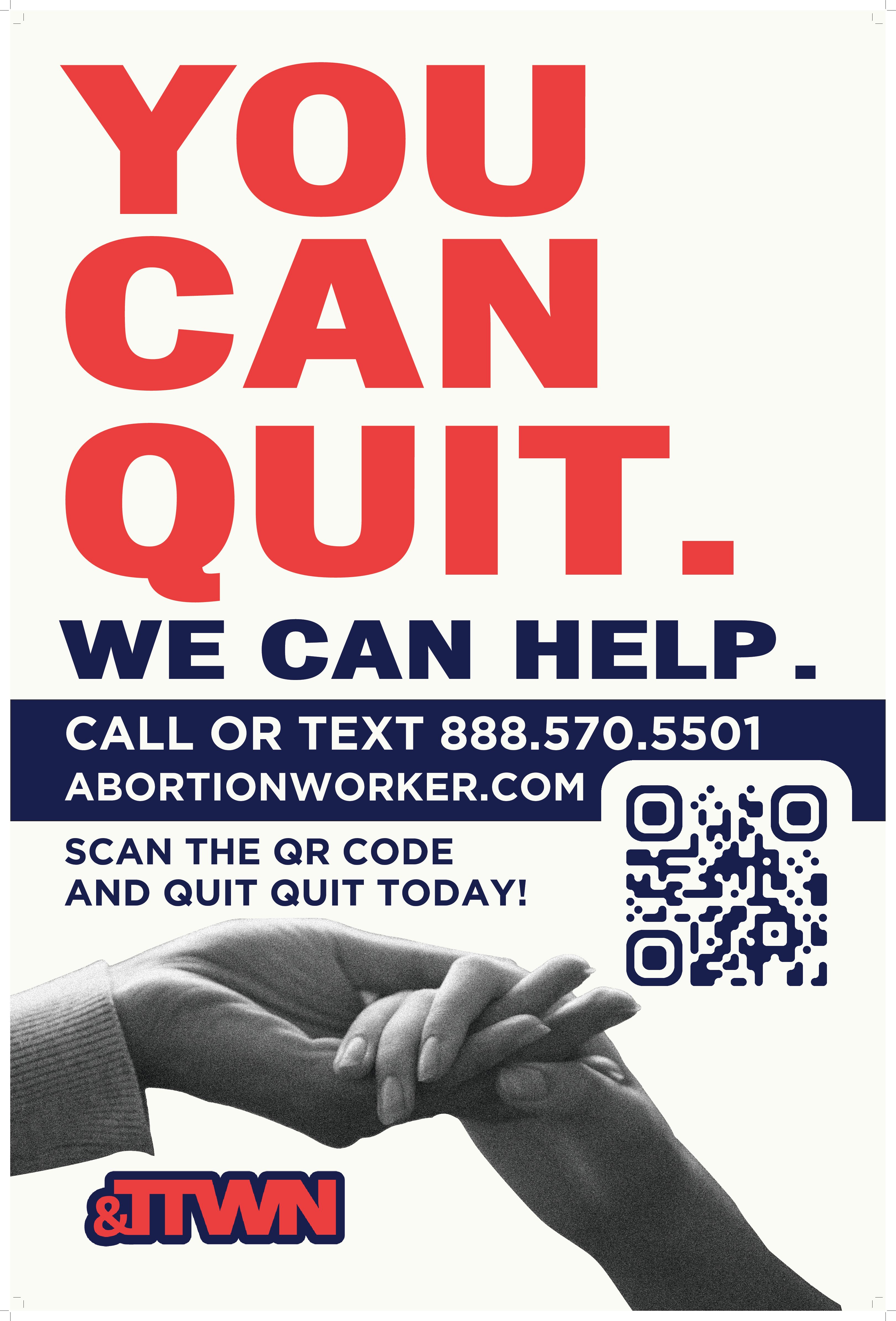
24" x 36" Sign
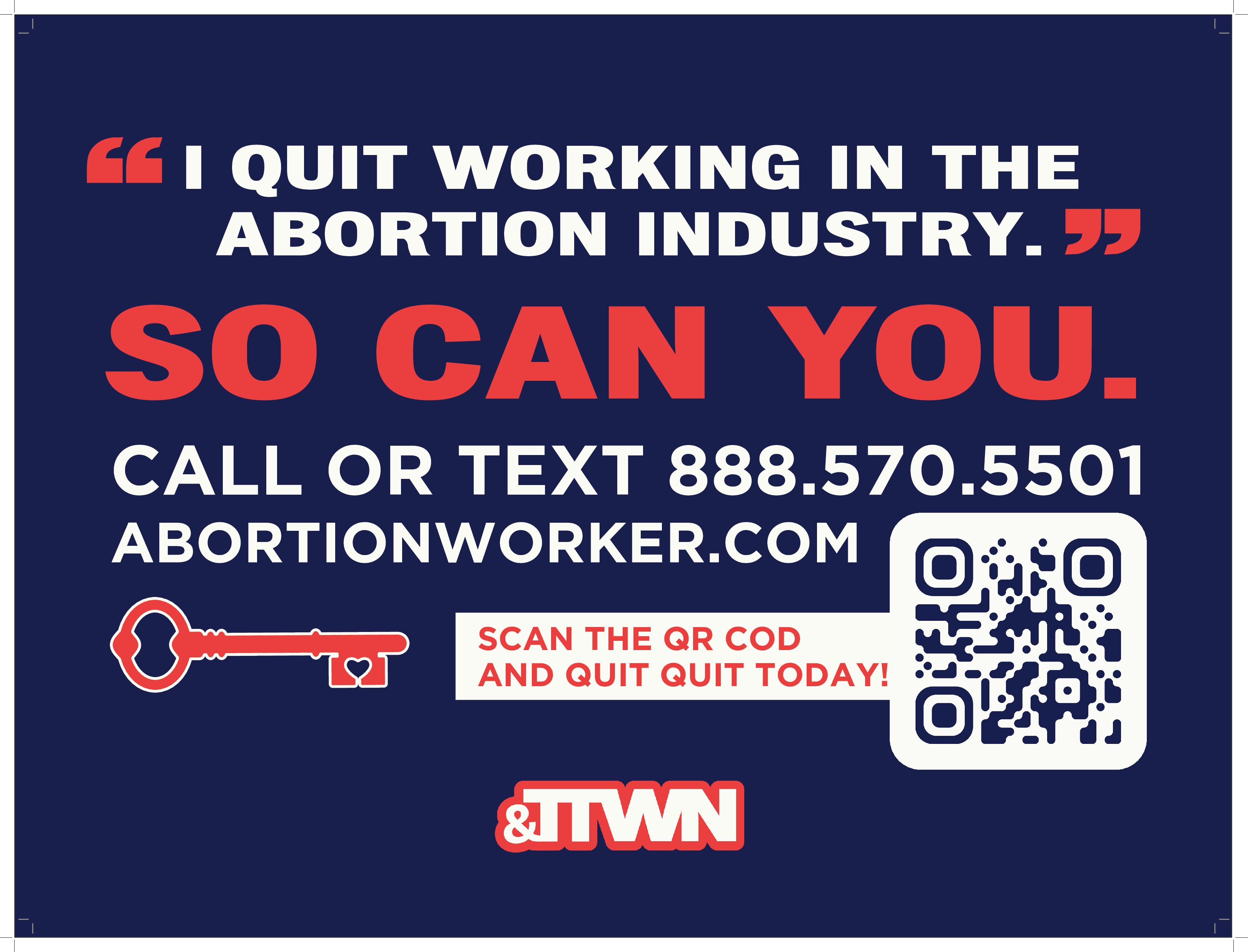
24" x 18" Sign
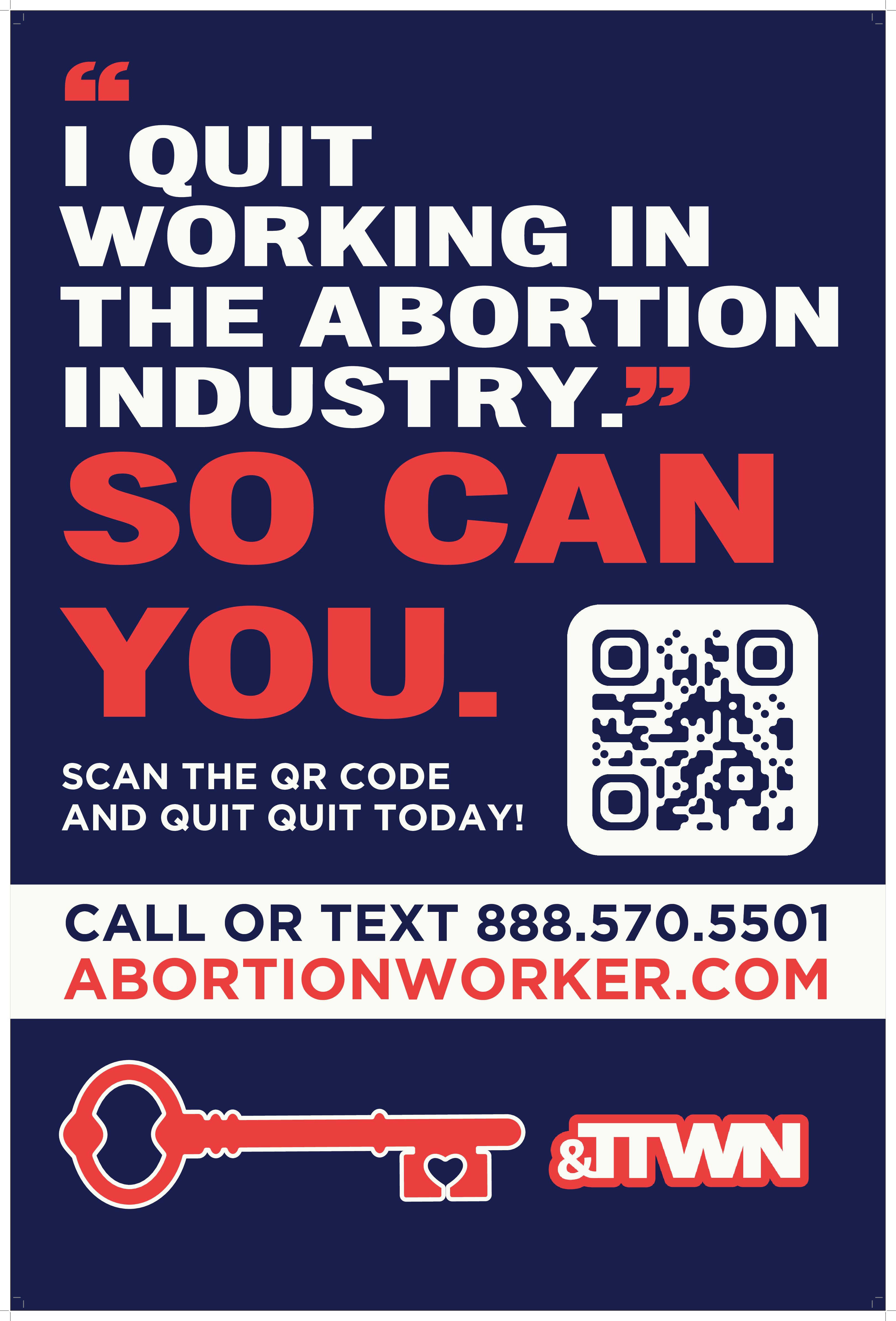
24" x 36" Sign
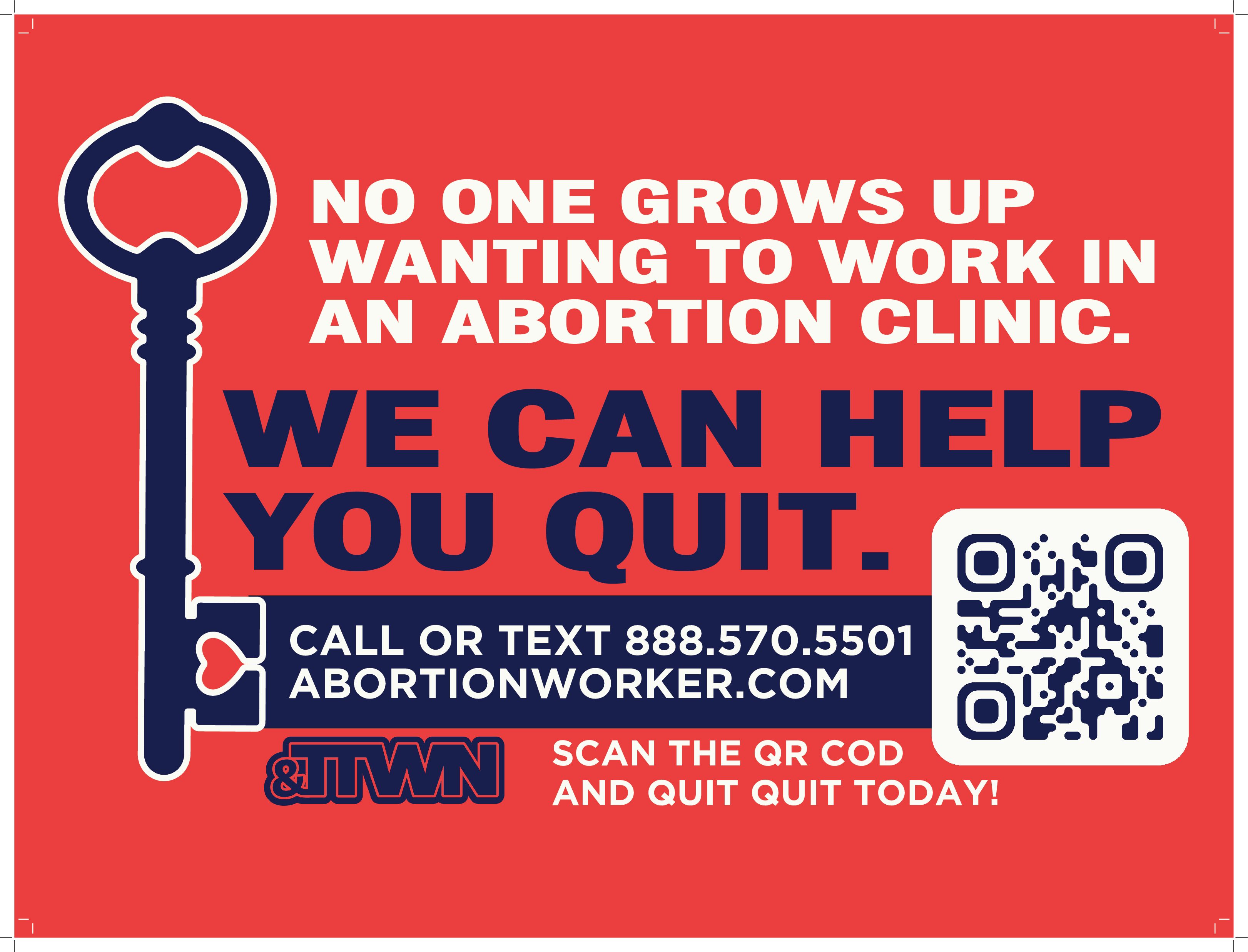
24" x 18" Sign
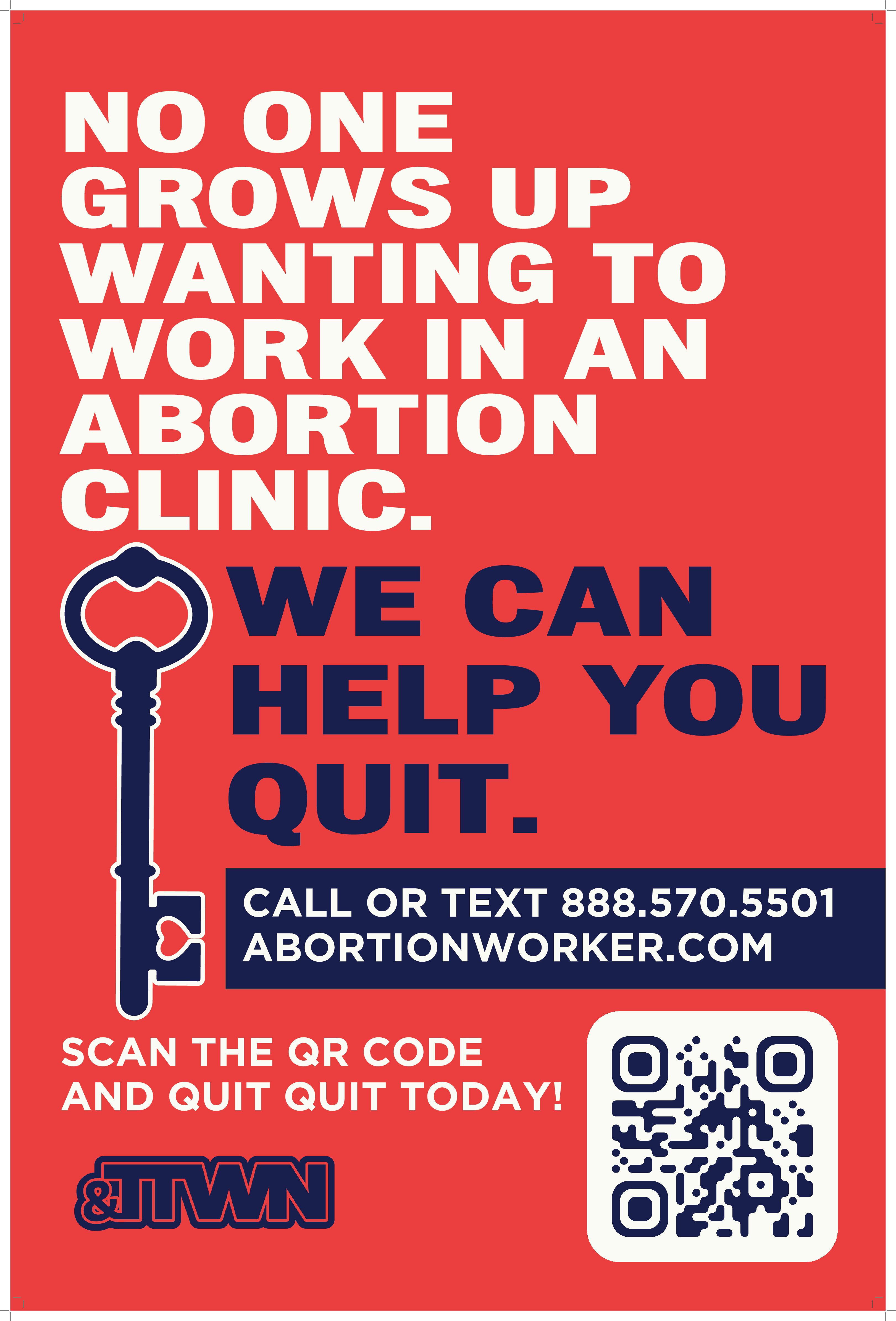
24" x 36" Sign